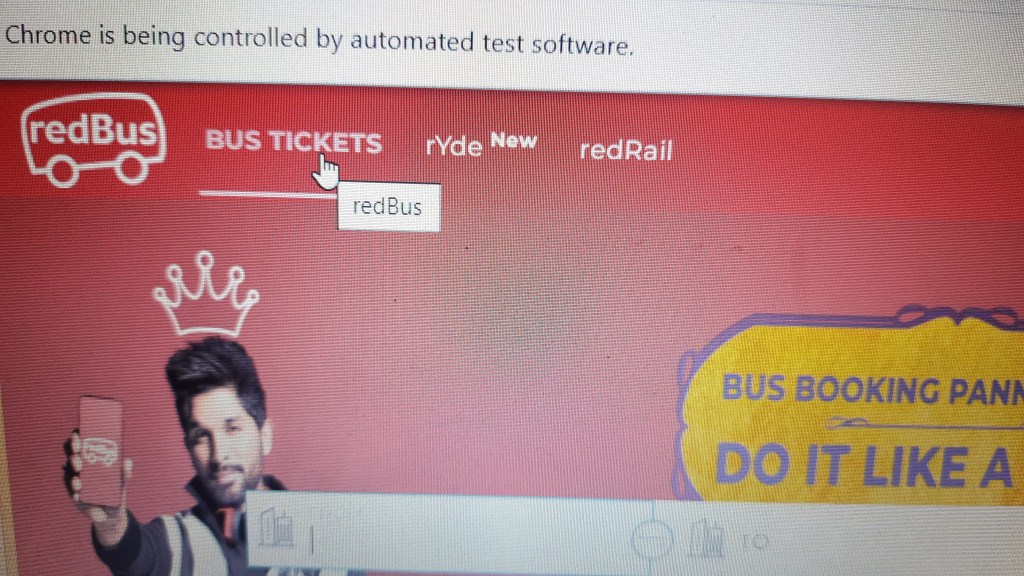
sample Program:- MouseOver
package uio;
	import java.util.List;
	import org.openqa.selenium.By;
	import org.openqa.selenium.WebDriver;
	import org.openqa.selenium.WebElement;
	import org.openqa.selenium.chrome.ChromeDriver;
	import org.openqa.selenium.interactions.Action;
	import org.openqa.selenium.interactions.Actions;
	import org.openqa.selenium.interactions.Keyboard;
	import org.openqa.selenium.support.ui.ExpectedConditions;
	import org.openqa.selenium.support.ui.WebDriverWait;
	public class MouseOverDemo {
		public static void main(String[] args) {
System.setProperty("webdriver.chrome.driver",		"C:\\\\Users\\\\Surya\\\\Downloads\\\\chromedriver_win32\\\\chromedriver.exe");

                WebDriver driver = new ChromeDriver();
			String baseWebUrl = "https://www.redbus.in/";
			driver.get(baseWebUrl);

WebElement redRail = driver.findElement(By.id("redBus"));
			Actions actions = new Actions(driver);
Action mouseOverAction = actions.moveToElement(redRail).build();
		System.out.println("redbus "+redRail);
			mouseOverAction.perform();
			//driver.close();


			}
			}